 NextGen
 Capture precisely
Visible area, selection, element, full page, window, or screen — only when you choose to capture.
Create screenshots and screen recordings directly in Chrome. Edit every detail with a powerful local editor.
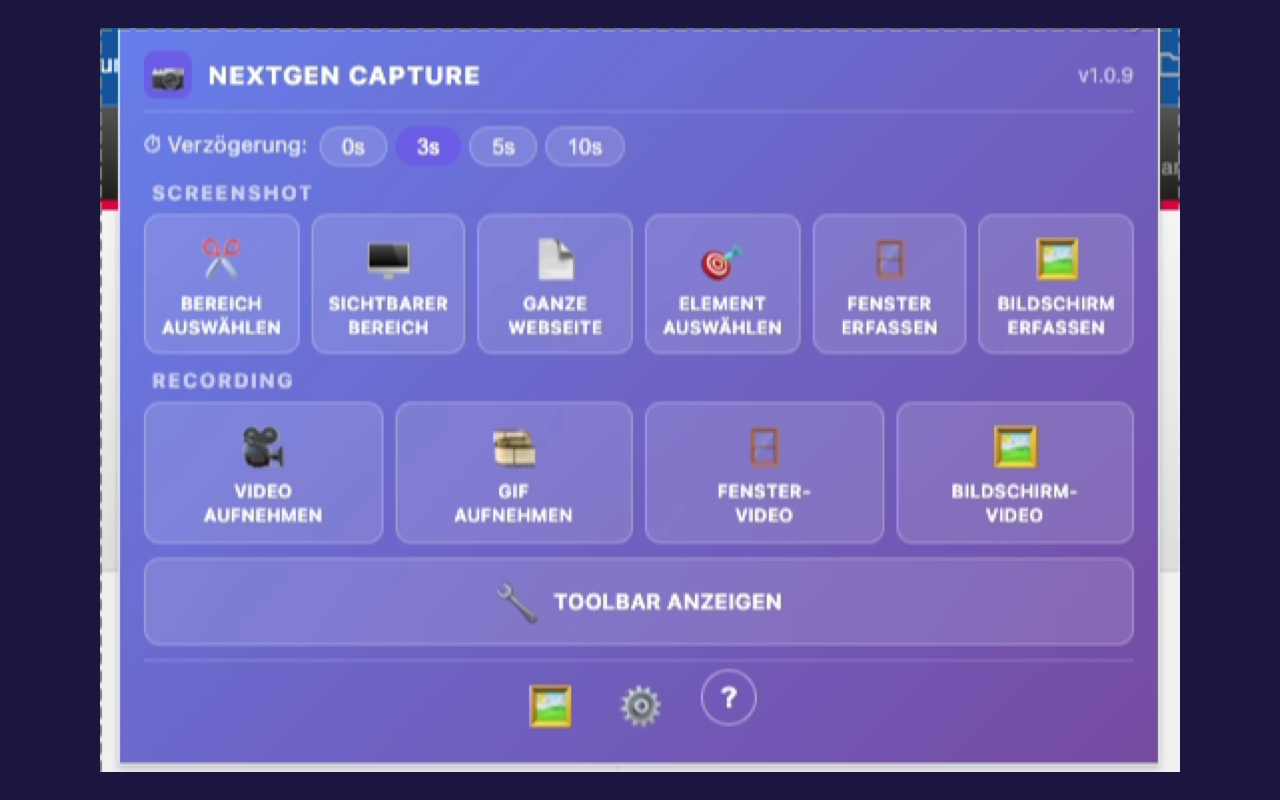
From a quick crop to an annotated recording, everything stays where it belongs: in your browser.
Visible area, selection, element, full page, window, or screen — only when you choose to capture.
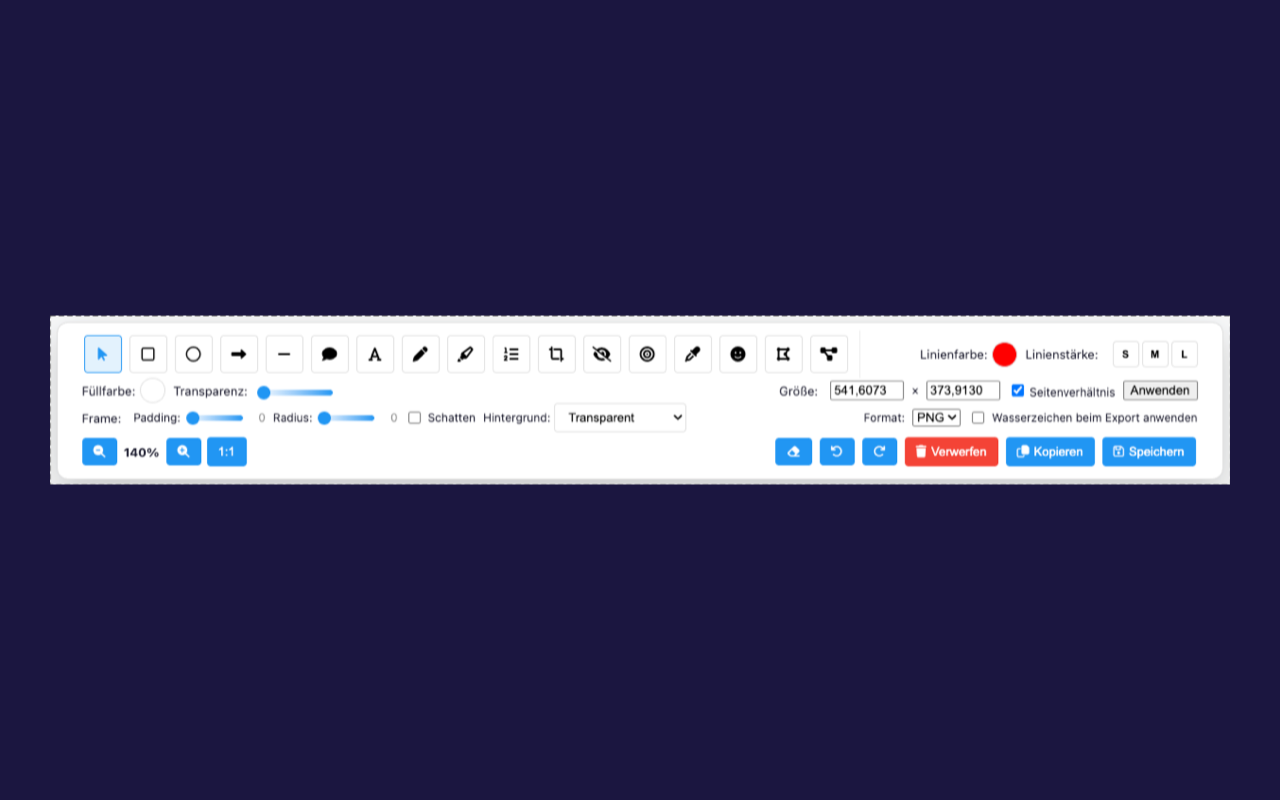
Arrows, shapes, text, highlights, blur, and numbering make every detail easy to understand.
Captures, editing states, and settings stay on your device until you choose to export.
Choose exactly what to capture, then turn the result into a clear explanation without changing tools.
No telemetry for your content
For private questions, contact us directly by email. Reproducible bugs and ideas may belong in the public tracker.
Do not publish credentials, confidential captures, or personal data. Customer reports are reviewed first; only approved engineering tickets appear in the public tracker.